
What we protect
Your computers, your accounts, your records and your people.
Every service we offer is delivered with Huntress and watched around the clock by the same security operations centre. Here is what each one protects, and how.
01 · Computers and servers
Every Windows, macOS and Linux machine, watched all night.
Attackers rarely arrive with obvious malware. They borrow tools that are already trusted on your machines and hope no one notices. An agent on each computer reports to a security operations centre, where people investigate what it finds.
When a threat is confirmed, it is isolated and removed, and we call you. You are not left with an alert to work out yourself.
What’s covered
- 24/7 detection and response on Windows, macOS and Linux
- Works on top of any antivirus, with Microsoft Defender policy enforced
- Confirmed threats investigated, isolated and remediated
- A call from us when something happens, and a monthly summary
02 · Email and sign-ins
Attackers don’t break in anymore. They sign in.
Your Microsoft 365 or Google Workspace accounts hold your email, your files and every client conversation. Modern phishing steals the sign-in session itself, so a password reset doesn’t always get an attacker out.
We watch those accounts for the signs of takeover and respond: sessions revoked, accounts locked, malicious inbox rules and connected apps removed.
What’s covered
- 24/7 monitoring of Microsoft 365 and Google Workspace accounts
- Stolen sessions revoked and compromised accounts disabled
- Malicious inbox rules and connected apps removed
- A call from us when something happens
03 · Logs and evidence
When something happens, the evidence is there.
Your firewall, cloud services, servers and backups all keep a record of what happens on them. We collect those records, watch them alongside your computers and accounts, and keep them for the day an insurer, auditor or client asks what happened. It also covers systems an agent on a computer can’t see.
- CollectedFrom agreed log sources, watched 24/7
- KeptRetention for insurers, auditors and client questionnaires
- BeyondVisibility into systems an endpoint agent can’t see
- TogetherEndpoints, identities and logs seen together as one incident
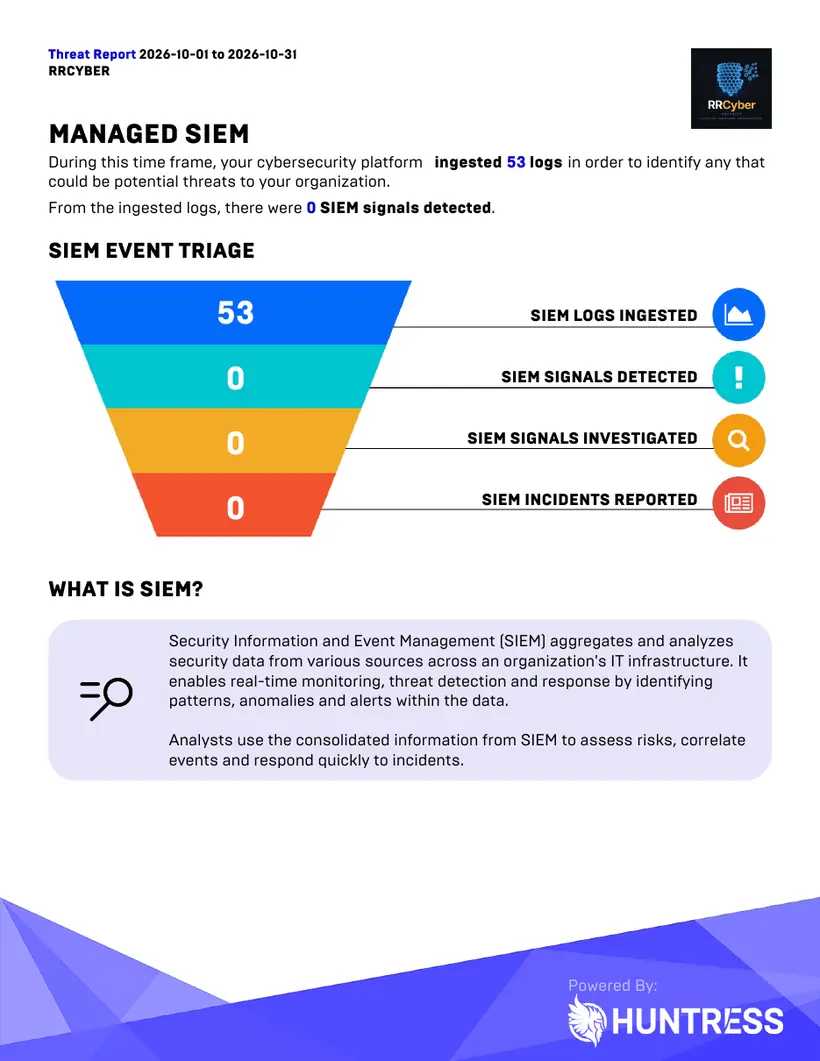
How Managed SIEM worksSee the full sample report (PDF, 8 pages)
04 · Microsoft 365 settings
Microsoft 365, configured the way it should have been from day one.
Most Microsoft 365 tenants were set up to get people working, not to keep attackers out. We check yours against close to 80 security controls, fix the gaps in a safe order using Learning Mode so nobody is locked out, and watch for changes that undo the fixes.
What’s covered
- Assessment of your Microsoft 365 tenant against the Security Platform Team’s managed controls
- Staged hardening tested before it is enforced
- Drift corrected when settings change
- A walkthrough of findings and a monthly summary
05 · Your team
Your people see the scam first. Give them a fair chance to spot it.
The most effective attacks ask your people to do the work: a fake “verify you’re human” page, or a real Microsoft login page that asks for a code. Short, story-driven monthly episodes and realistic phishing tests, scheduled by the SAT Content Platform team, teach your staff what attackers are actually sending now.
What’s covered
- Monthly training episodes and managed phishing simulations
- Immediate coaching and follow-up training
- Monthly reporting, reviewed with you
- Nothing for you to build or run
Datasheet
Read how it all fits together.
You'll be asked for your contact details before the download. See our privacy policy.
Analysts on watch now, 24/7
Find out what’s actually protecting your machines tonight.
Thirty minutes. We’ll look at how your computers are covered today, what would happen if one were compromised after hours, and where the gaps are. A plain answer either way.